
Safer Everyday Use
Learn simple habits that help reduce common online risks at work and at home.
Learn how to use digital tools with more confidence, better awareness, and fewer avoidable mistakes.
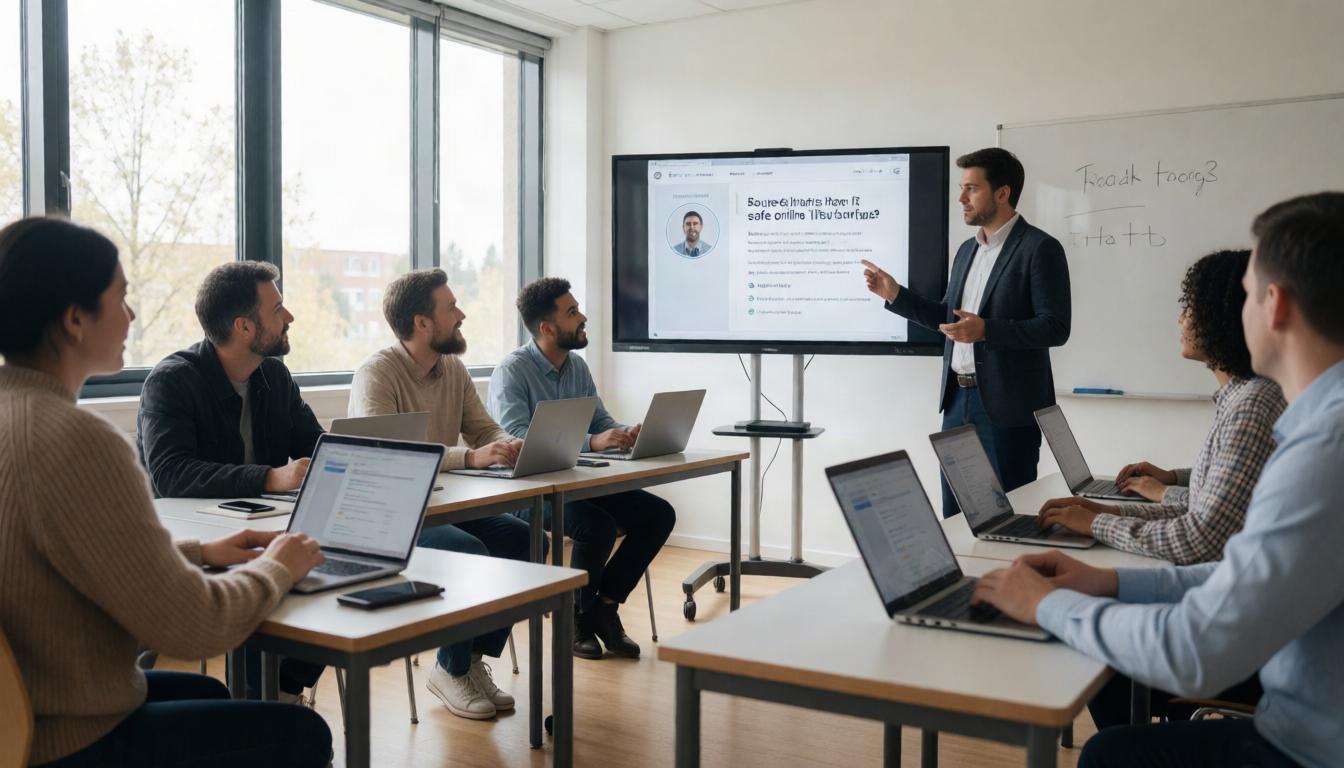
Focused training that helps people use digital tools more safely, more confidently, and with less guesswork.
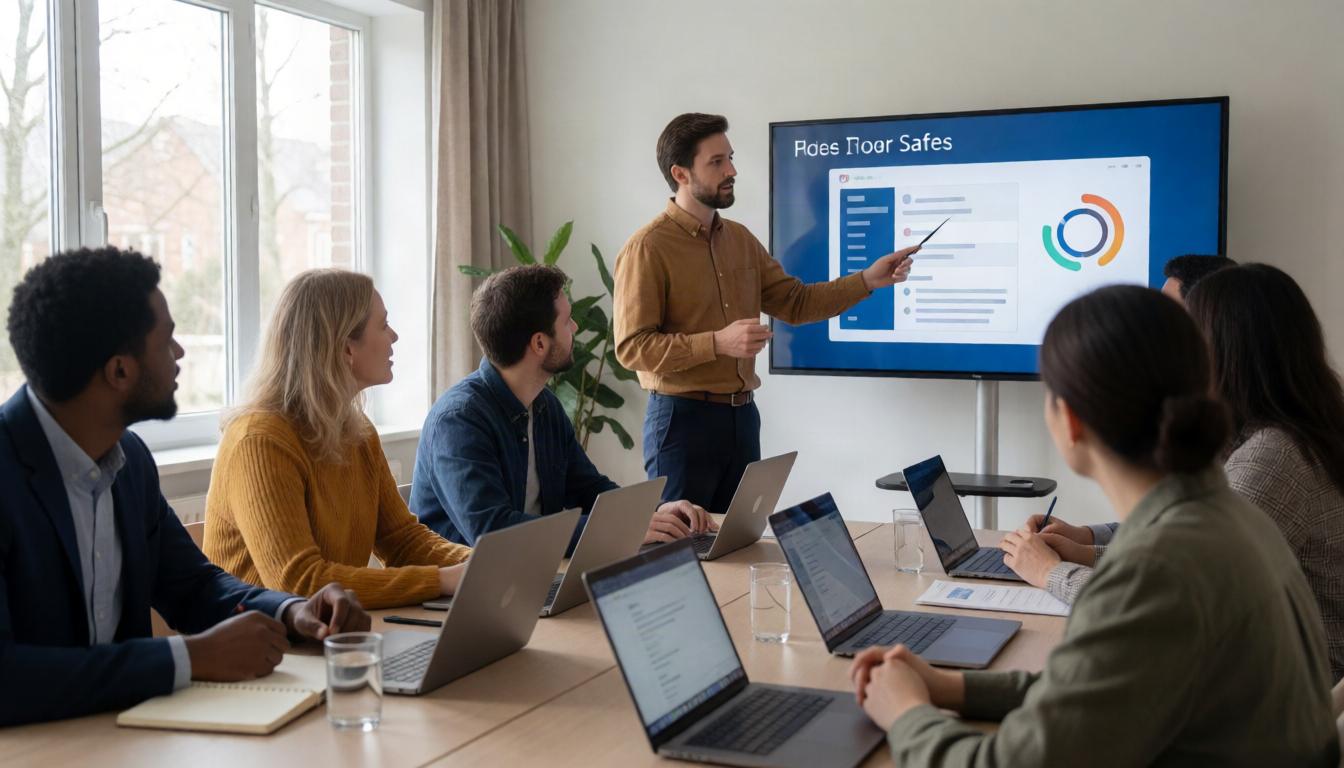
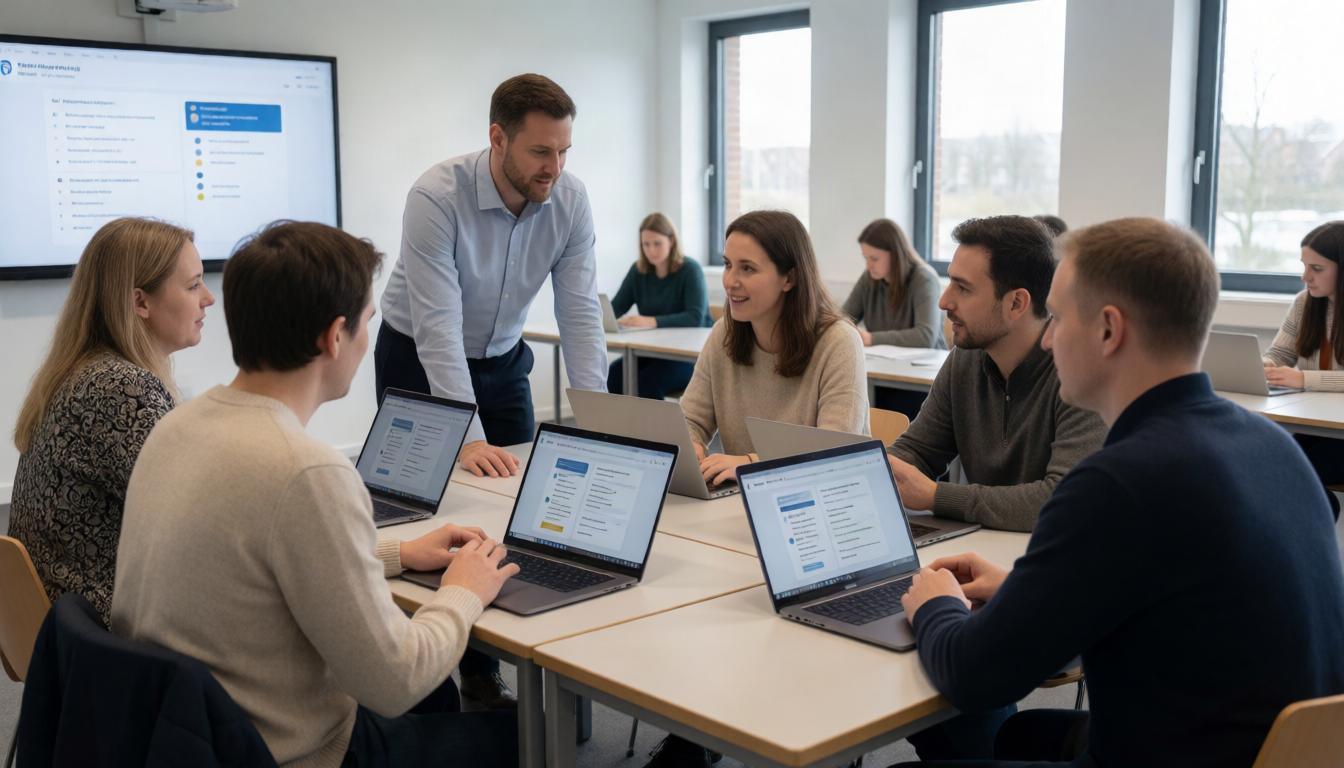
Learn simple habits that help reduce common online risks at work and at home.
Understand digital tools through plain language and real-world examples.
Build confidence with email, passwords, devices, and everyday online tasks.
Choose training formats that fit individuals, teams, and small organizations.
See practical training options in IT security and digital literacy, designed to support safer daily use of digital tools.
A simple process that makes it easy to start learning and put the training into practice.
Tell us what you want to improve, whether it is safer browsing, password habits, or general digital confidence.

We suggest a course or workshop that matches your level, group size, and learning priorities.

Take part in a clear, focused session built around real examples and useful everyday skills.
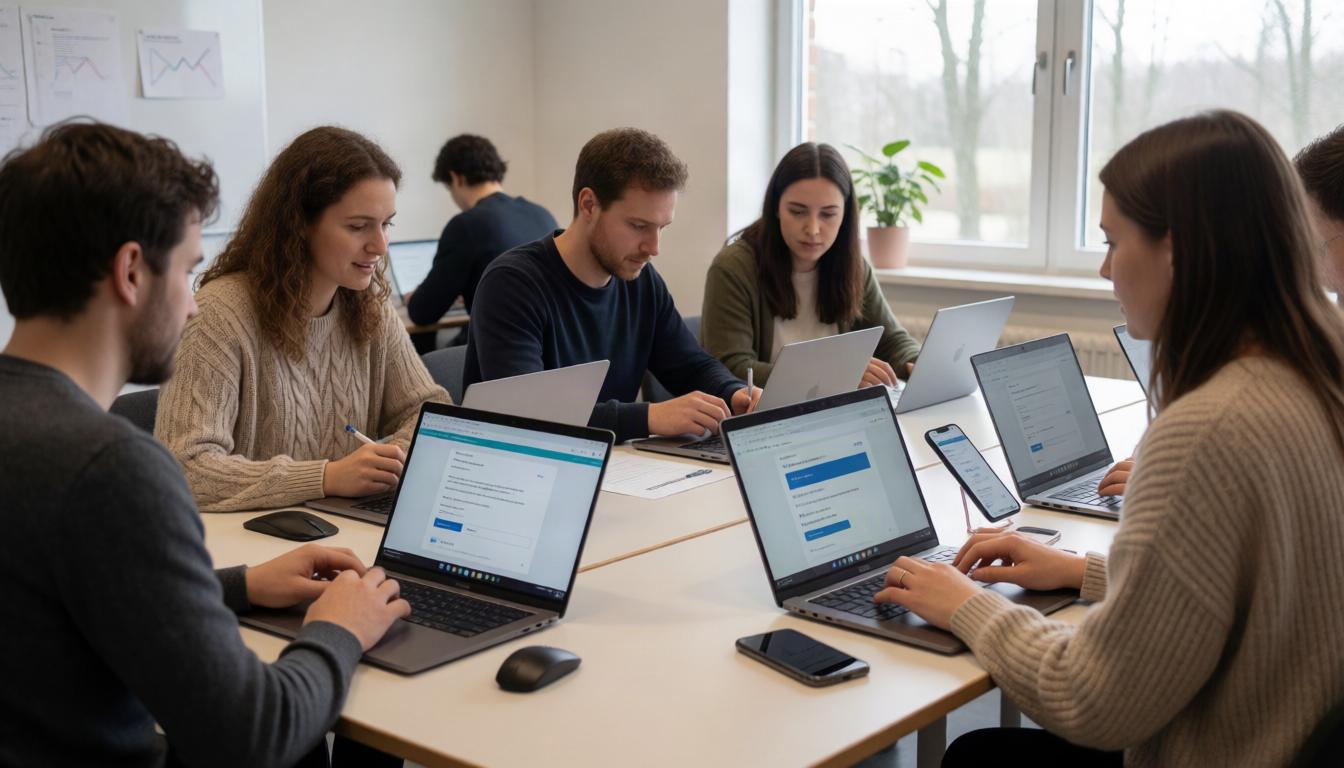
Use what you learned right away to improve your online safety and digital routine.

A few short comments from people who wanted clearer guidance on digital safety and everyday skills.

The course made online safety much easier to understand.

Clear examples and practical tips I could use right away.

A good fit for our team and easy to follow from start to finish.
Read how practical training has helped people feel more confident with digital tools and safer online habits.
Ask about course options, group training, or the best starting point for your needs.
Common questions about our IT security and digital literacy training.
Yes. The courses are suitable for beginners and for people who want a clearer understanding of online safety and digital basics.
The focus is on practical topics such as phishing awareness, password habits, device safety, safe browsing, and everyday digital skills.
Yes. Training can be arranged for individuals, employees, and small organizations that want a focused learning session.
The courses use straightforward language, examples from daily use, and hands-on guidance instead of heavy technical terms.
You can contact us to discuss your goals and choose a course or workshop that fits your level and schedule.